
Last year, I found myself staring at three different AI coding assistants, each promising to “10x productivity.” Instead, I spent more time switching tabs than writing code.
That frustration pushed me into a 3-month experiment. I integrated multiple AI tools into real projects on Advance Techie including a SaaS dashboard, a WordPress plugin and automation scripts. Some tools transformed my workflow. Others looked impressive but slowed me down.
It became clear that finding the best AI tools for developers requires testing them in real projects, not just trusting marketing claims.
How I Evaluated These AI Developer Tools
Instead of surface-level testing, I used each tool in production-like scenarios:
- Building REST APIs
- Refactoring legacy PHP code
- Writing documentation
- Debugging performance issues
- Automating repetitive tasks
Evaluation criteria
| Criteria | What I Tested |
|---|---|
| Code Accuracy | Did it produce working code? |
| Context Awareness | Could it understand large projects? |
| Speed Impact | Did it save time or add friction? |
| Learning Curve | Easy integration into workflow |
| Real Productivity | Measurable time saved |
1. GitHub Copilot: Still the Fastest Pair Programmer
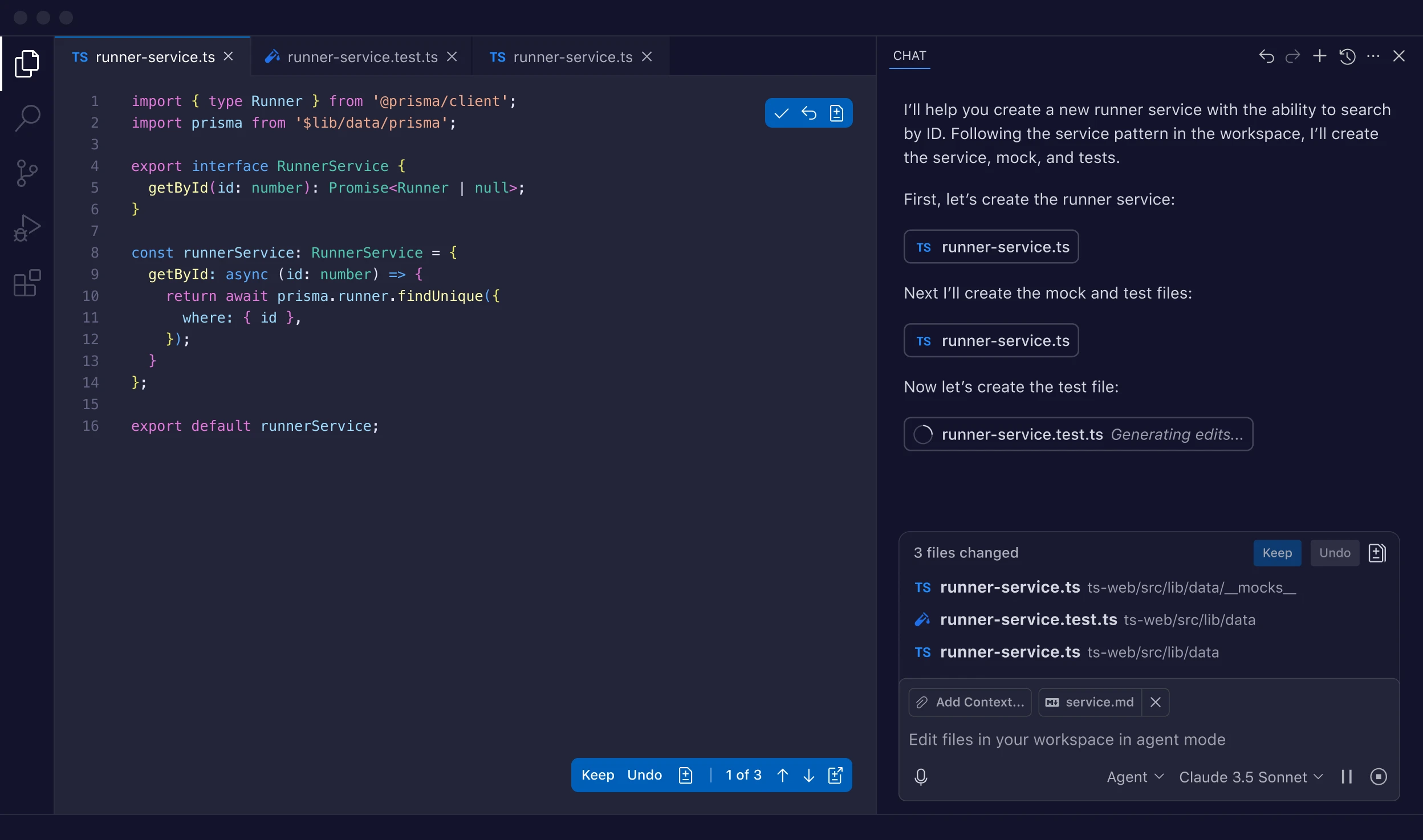
Real test scenario
While rebuilding a WordPress plugin settings panel, Copilot auto-generated:
- Settings API hooks
- Sanitization functions
- Admin UI boilerplate
What surprised me was its ability to follow my naming conventions.
Pricing can vary depending on individual vs team usage. For a full breakdown, see GitHub Copilot Pricing Explained.
What worked
- Excellent autocomplete for repetitive patterns
- Great for boilerplate-heavy frameworks
- Strong JavaScript and PHP support
What didn’t
- Occasionally suggests outdated APIs
- Needs manual review for security
Mini example
register_setting('plugin_options', 'api_key', [
  'sanitize_callback' => 'sanitize_text_field'
]);
Copilot predicted the full settings structure after I typed just one line.
Real productivity gain
Saved ~35% time on plugin scaffolding.
2. ChatGPT for Dev Workflows: Beyond Code Generation
Many developers underestimate how powerful conversational AI is for reasoning tasks. ChatGPT played a key role in schema design and debugging. If you want to replicate this workflow, follow How to Use ChatGPT for Coding a step-by-step tutorial.
How I used it
- Explaining complex legacy code
- Generating test cases
- Writing regex patterns
- Converting logic between languages
When migrating a PHP function to Node.js, ChatGPT explained edge cases I had overlooked.
Unexpected advantage
It acts as a thinking partner, not just a code generator.
Example use case
Prompt:
“Convert this PHP validation logic to Node.js with edge case handling.”
Output included:
- Input sanitization
- Error handling
- Type validation
What didn’t work
- Large codebases require chunking
- Needs precise prompts for best results
Real productivity gain
Reduced debugging time by ~40%.
External reference: OpenAI research shows AI pair programming improves developer speed and accuracy.
3. Cursor IDE: AI-Native Development Feels Different
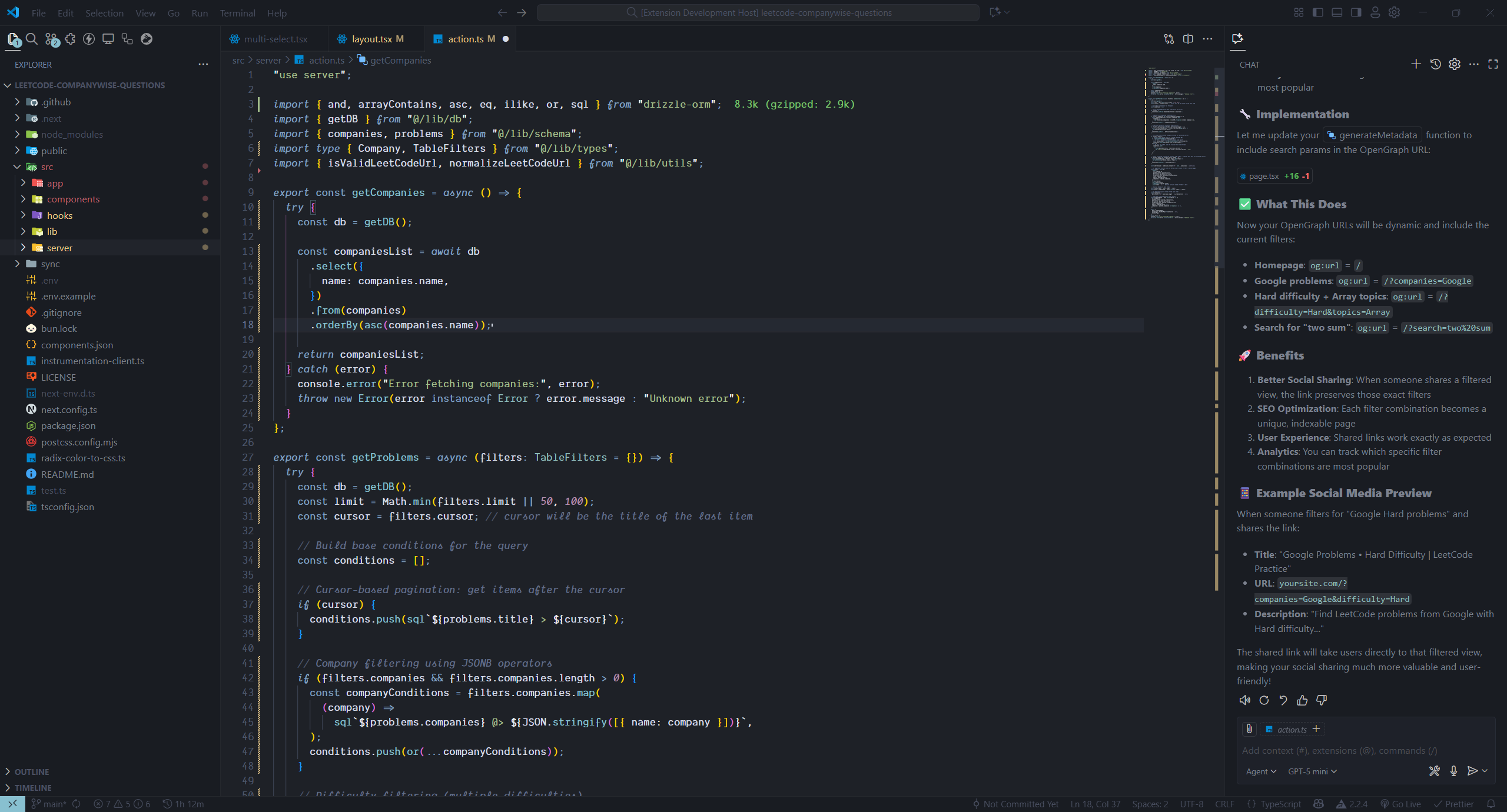
Cursor is not just an editor with AI added. It feels like AI is part of the IDE.
Real test scenario
I refactored a 900-line JavaScript file.
Cursor:
- Suggested modular structure
- Extracted reusable functions
- Updated imports automatically
Hidden insight
AI-native editors reduce mental overhead, not just typing.
What worked
- Refactoring across files
- Project-wide context awareness
- Natural language edits
What didn’t
- Occasional over-refactoring
- Requires powerful hardware for large projects
Time saved
~50 minutes on one refactor task.
Tools like Cursor are leading this shift. For a deeper look, read What is Cursor AI and How It’s Changing the Way Developers Code.
4. Tabnine: Privacy-First AI for Enterprise Projects
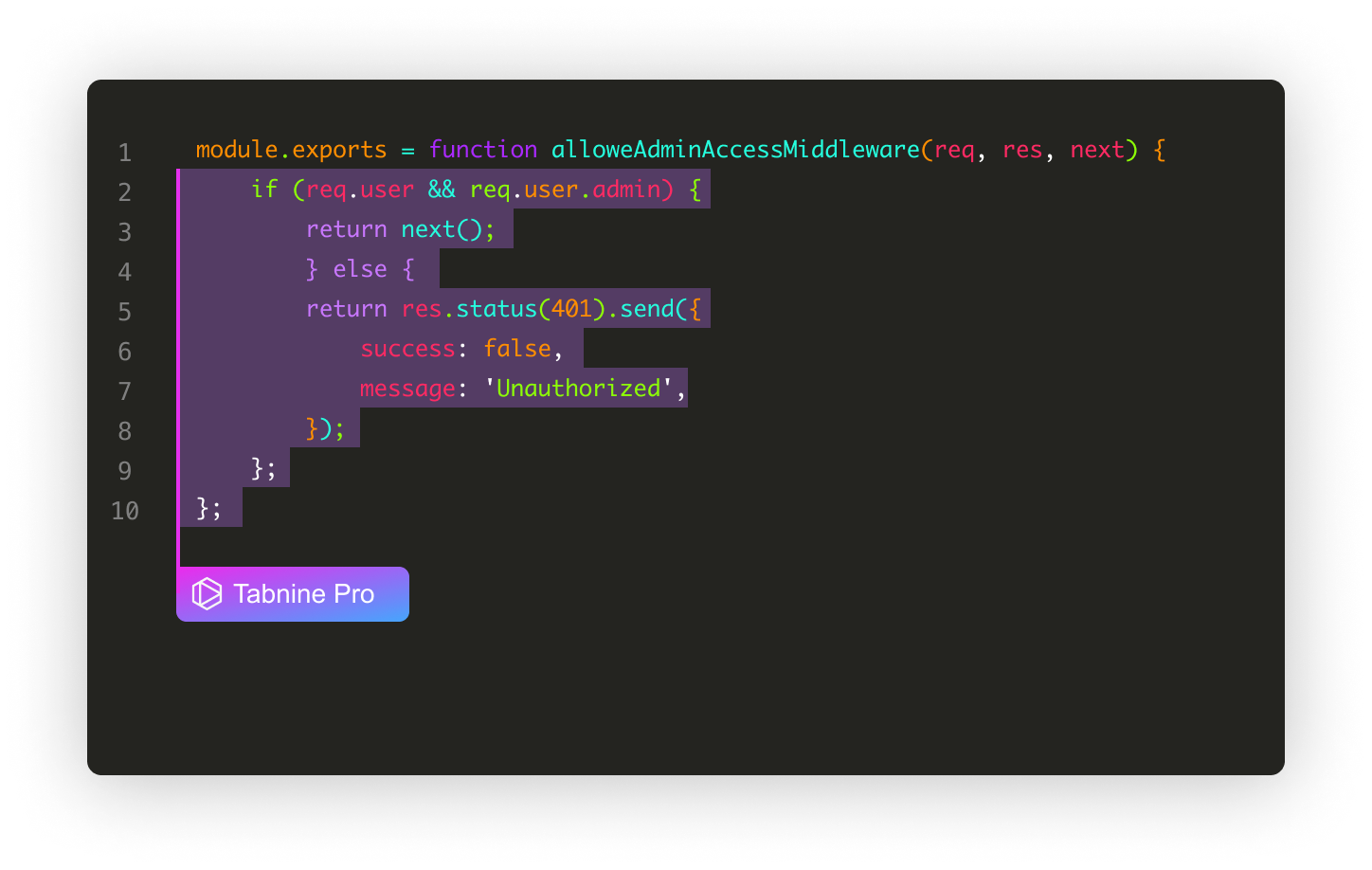
For client projects with strict data policies, Tabnine was the safest option.
Why it matters
Some clients prohibit sending code to external servers.
Tabnine’s local model deployment solved this.
Real-world use
On a fintech dashboard:
- Generated SQL queries
- Suggested safe data handling patterns
- Improved autocomplete accuracy over time
Trade-offs
- Slightly less creative suggestions
- Setup takes longer than Copilot
Best use case
Enterprise teams with compliance requirements.
5. Codeium: The Most Underrated Free Alternative
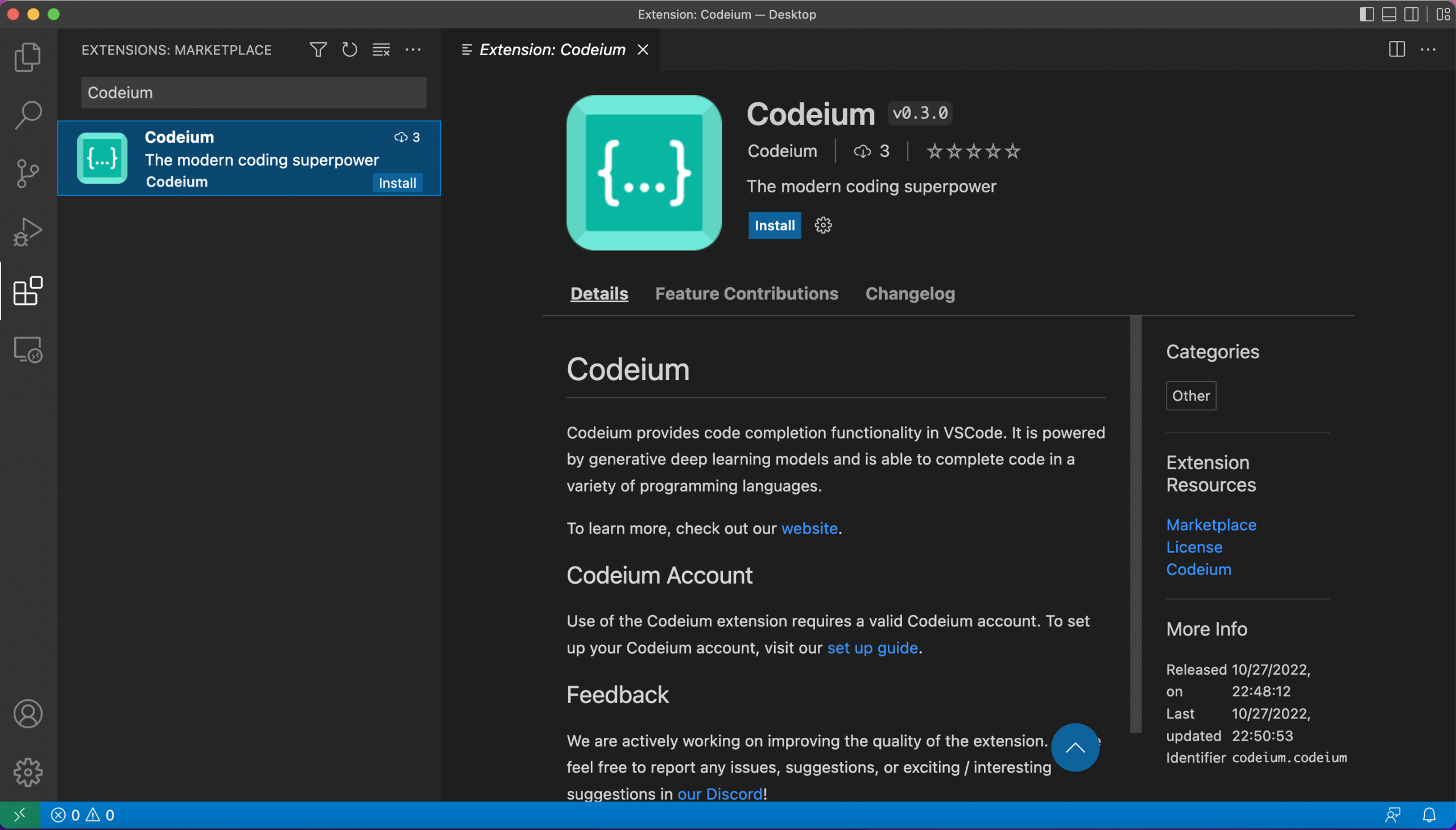
I tested Codeium expecting limitations. Instead, it handled most daily tasks.
Real test scenario
Built a Node.js API with authentication.
Codeium suggested:
- JWT middleware
- Error handlers
- Async patterns
Unexpected finding
Its autocomplete felt faster than Copilot in large files. After testing multiple AI assistants, I eventually integrated Codeium into my daily workflow. I’ve shared the full experience, including what improved and what didn’t, in Why I Switched to Codeium AI.
Limitations
- Less accurate in niche frameworks
- Documentation still evolving
Ideal for
Freelancers and indie developers.
If you’re exploring more budget-friendly options, I’ve compiled a full list of Free AI Tools for Developers (No Signup or Credit Card Needed) that require no signup or credit card.
6. Phind: AI Search Engine Built for Developers
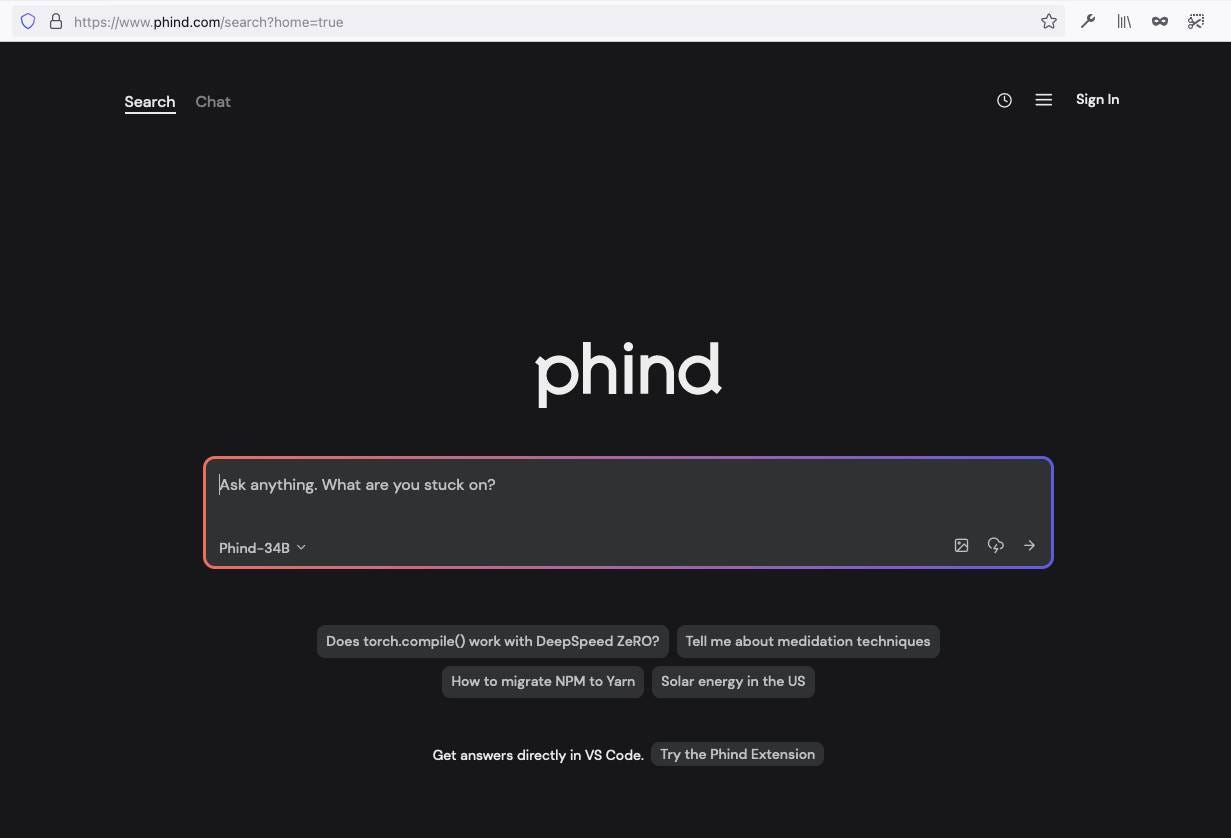
Stack Overflow is no longer my first stop.
Real test
Debugging a memory leak in Node.js.
Phind provided:
- Root cause explanation
- Code fix example
- Links to official docs
External reference: Node.js documentation confirms the memory management behavior explained.
Why it stands out
- Combines AI answers with sources
- Reduces context switching
Productivity impact
Saved 20–30 minutes per debugging session.
Real Case Study: Building a SaaS Feature with AI Assistance
While working on an analytics module for a SaaS dashboard on Advance Techie, I decided to test how far AI tools could streamline real production work. The feature needed to track user activity, session duration, and feature usage while keeping queries fast enough for real-time insights.
I initially estimated three full days for development. By combining multiple AI tools strategically, I shipped the first stable version in about a day and a half.
Project Goal
Build a scalable user analytics feature that could:
- Track user events and sessions
- Measure feature usage
- Provide fast dashboard insights
- Handle future growth without schema redesign
Tech stack: Node.js, PostgreSQL, Redis, React
Workflow: How Each AI Tool Helped
1. GitHub Copilot → API Scaffolding
Copilot generated route handlers and validation patterns for event tracking endpoints. Instead of writing repetitive boilerplate, I focused on logic and edge cases.
Impact:
Saved roughly 2 hours of setup time.
Reality check:
I still reviewed validation and added rate limiting. AI handled speed, not security.
2. ChatGPT → Database Schema Design
Instead of guessing the schema, I used ChatGPT to explore scalable designs. It suggested separating events and sessions, plus indexing strategies.
Unexpected benefit:
Session-based queries became significantly faster than my original single-table idea.
Impact:
Better performance and fewer future migration risks.
3. Cursor IDE → Refactoring & Code Structure
As the service grew, logic started duplicating across files. Cursor helped modularize event processing and clean up imports.
What stood out:
It maintained project-wide context and didn’t break references.
Impact:
Cleaner architecture and easier future scaling.
4. Phind → Performance Optimization
Some analytics queries exceeded 600ms. Phind helped identify aggregation costs and suggested pre-aggregation with caching. Proper indexing and aggregation strategies are critical for analytics performance, as emphasized in the official PostgreSQL documentation on query optimization.
What I implemented:
- Daily aggregation table
- Redis caching
Result:
Query time dropped to under 100ms.
Final Results
Development efficiency
- Estimated time: 3 days
- Actual time: 1.5 days
Code quality
- Modular structure
- Clear separation of concerns
- Easier to maintain
Performance
- Query speed improved by ~85%
- Dashboard responses under 120ms
Bugs
Only one minor timezone issue after launch, far fewer than typical analytics features.
Hidden Insights Developers Rarely Talk About
1. AI tools amplify habits
If you write messy code, AI accelerates the mess.
2. Context is everything
Better prompts and comments improve outputs dramatically.
3. AI reduces cognitive fatigue
The biggest gain isn’t speed. It’s mental energy saved.
The Future: Where AI Developer Tools Are Heading
Based on current trends:
- AI-native IDEs will replace traditional editors
- Local AI models will become standard for privacy
- Tools will shift from code generation to architecture assistance
Developers who adapt early will gain a major competitive advantage.
Final Verdict: Best AI tools for developers and Which AI Tool Should You Start With?
If you’re overwhelmed, start here:
- Solo developer → Codeium + ChatGPT
- Enterprise team → Tabnine + Copilot
- Refactoring heavy work → Cursor
- Debugging & research → Phind
The best AI tools for developers are not about replacing coding. They remove friction so you can focus on solving real problems.
Which AI tool actually improved your workflow and which one disappointed you? Share your experience in the comments, or explore related posts on Advance Techie to refine your developer toolkit.